
Install & run
Extract the portable package, enable the readings you need, and launch your first session.
What you need
- Windows 11, 64-bit (x64).
- A writable local folder for Momo and its data.
- Administrator access for protected hardware sensors and optional Windows startup registration.
The standard portable release includes .NET. Only the optional framework-dependent developer build needs the .NET 8 Desktop Runtime.
Install the portable release
- Open Momo releases and download the Windows x64 portable package.
- Extract the whole ZIP to a writable local folder. Keep
momo-databesideMomoMonitor.exe. Do not run the program from inside the ZIP. - Double-click
MomoMonitor.exeand allow the Windows administrator prompt if you want full sensor access. - Wait for sensor warm-up. The startup animation plays once before the Dashboard opens.
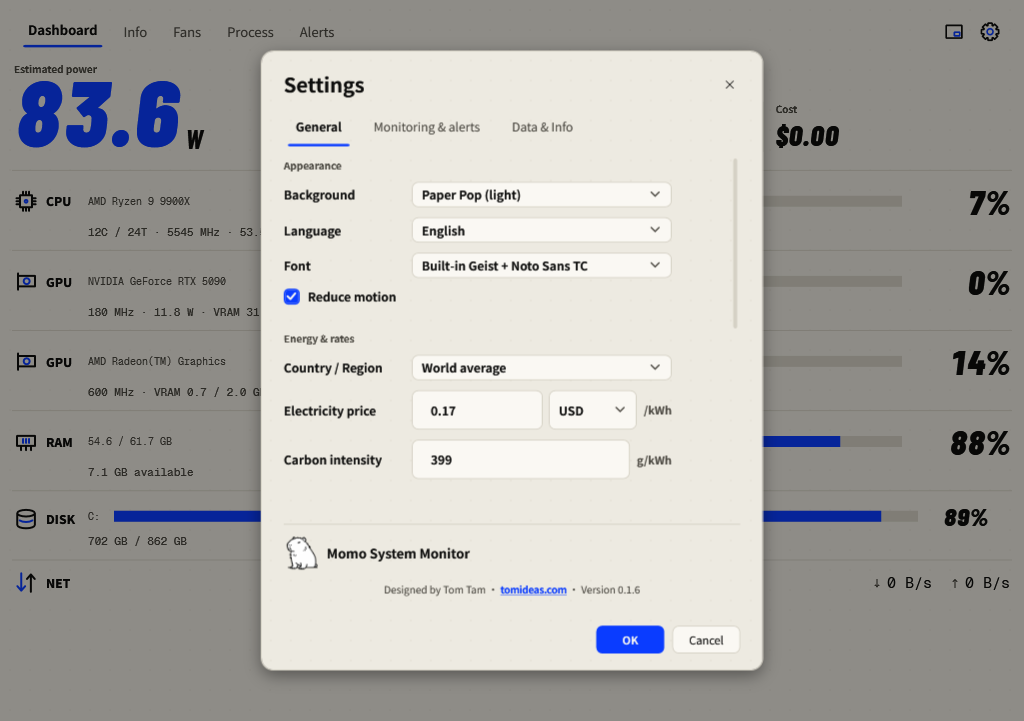
- Open the gear → General, set Language to English, then press OK.
Enable full hardware sensing
CPU temperature, CPU package power and motherboard fan speeds may need the signed PawnIO driver. Momo carries its installer and offers it when the machine needs it.
- When Momo asks Turn on full hardware sensing?, select Install and reopen Momo.
- Let the installation finish. Windows does not need to restart; Momo reopens itself.
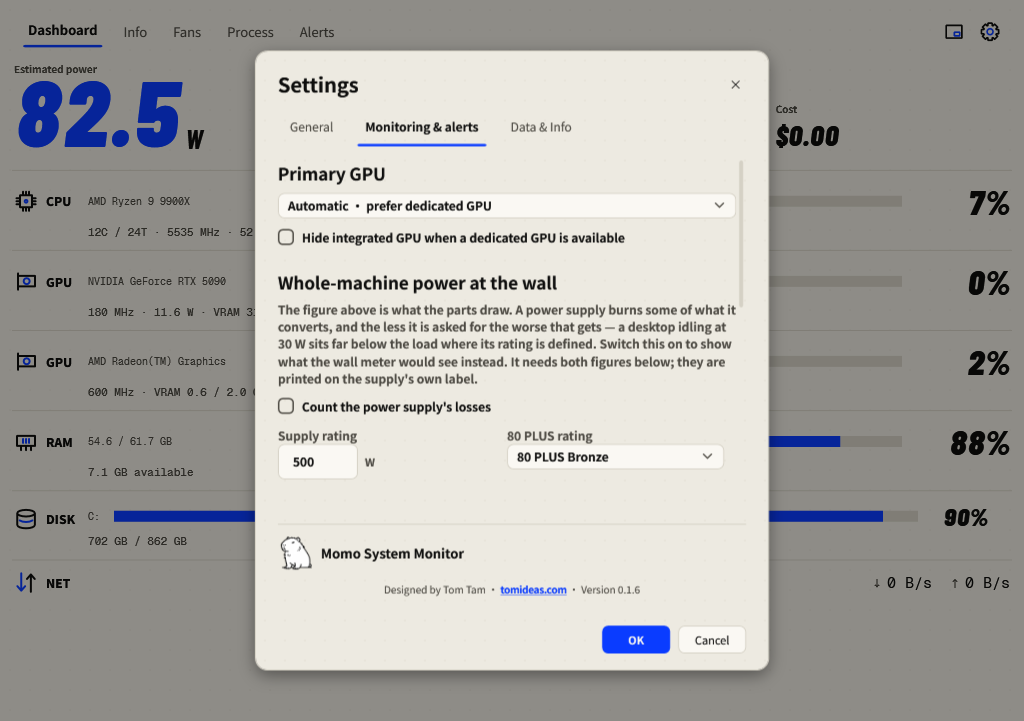
- If you chose Not now, open Settings → Monitoring & alerts → Full hardware sensing to try again later.
Update an existing copy
- Exit Momo from its tray menu before replacing files.
- Back up the complete existing folder, including
momo-data. - Extract the new package. Keep your existing data together with the new executable; do not replace populated data with an empty folder.
- Run the new version and check the version in Settings, the data location, and hardware preferences.
Remove Momo
First disable Settings → General → Start with Windows and press OK. Exit Momo, then remove the application folder. Save a copy of momo-data if you want to retain history. The optional sensor driver is installed on the PC separately from the portable folder.